
Easy Unpack
ReversingKr UnpackMe
Find the OEP.
ex) 00401000
Study
- OEP: Original Entry Point
- first instruction of the program’s real code.
Packing && Unpacking
- Packing: Like zip-ing an executable.
Finding the entry point (OEP) is essential to the Unpacking! It’s how you find the actual binary.
-
Structure of packed program
- New packer’s Header
- Compressed binary
- Stub (Decompressor)
-
Process of Unpacking
- Header : Jmp to Stub code.
- Stub : Decompresses the compressed binary.
- Decompressed binary : Jmp to the binary.
How Packed binary looks like — x32dbg
- AddresssOfEntryPoint : Where the code starts. (after mapping to the memory)

- bp-list (Possible points where Unpacking might happen.)
- VirtualProtect
- NtProtectVirtualMemory
- VirtualAlloc
- NtAllocateVirtualMemory
- NtWriteVirtualMemory
Continue the process… (f9)

BOOL VirtualProtect(
  [in]  LPVOID lpAddress,
  [in]  SIZE_T dwSize,
  [in]  DWORD  flNewProtect,
  [out] PDWORD lpflOldProtect
);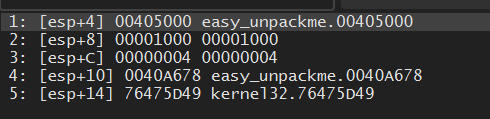
-> Allow read/write for 00405000 ~ 00406000. (Maybe the unpack overwrite the sections??)
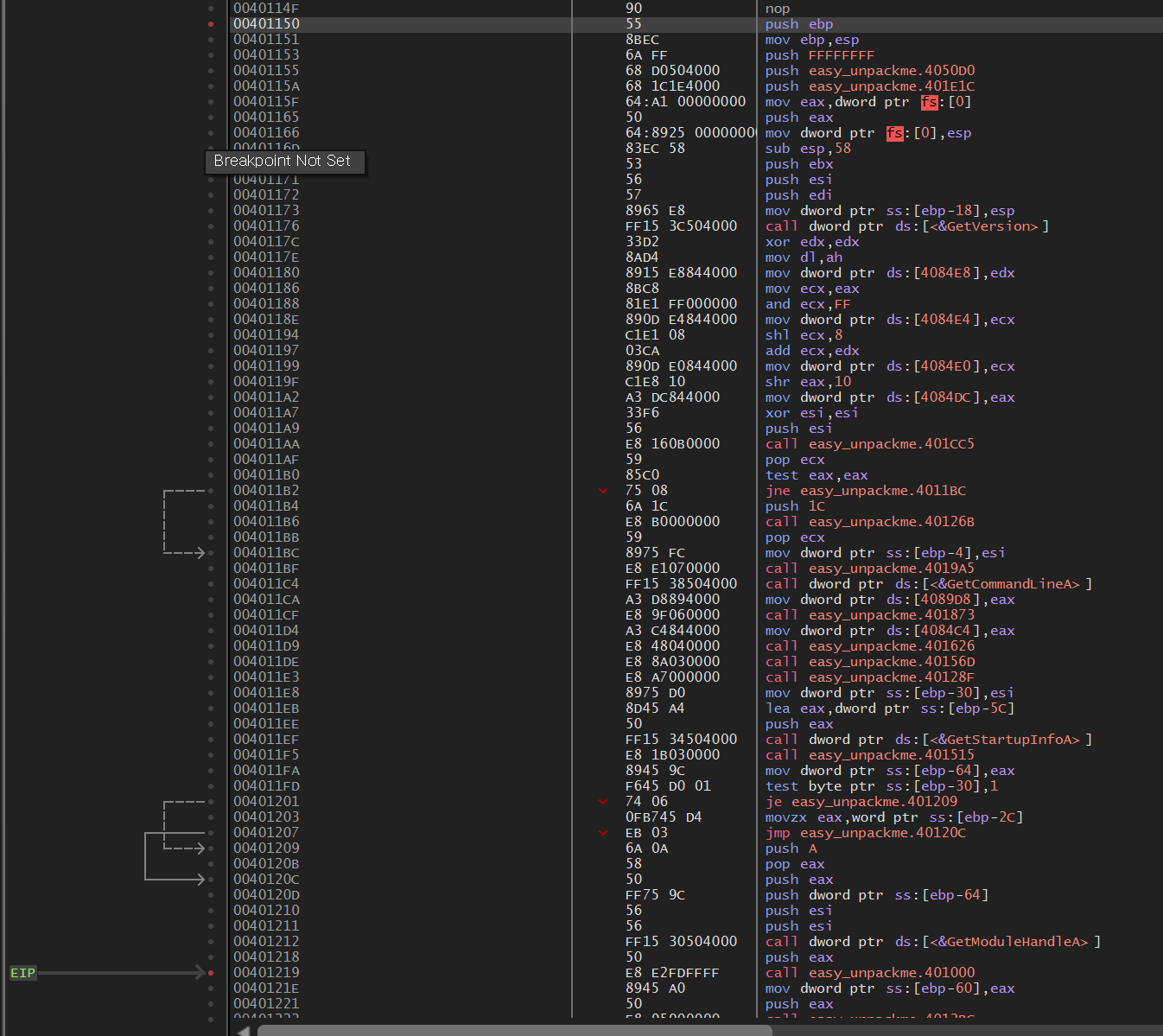
- After the final
VirtualProtect()call, the process jmp to00401150.
-
GetVersion(),GetCommandLineA(),GetStartupInfoA()…- These functions runs on a program start-up!
-
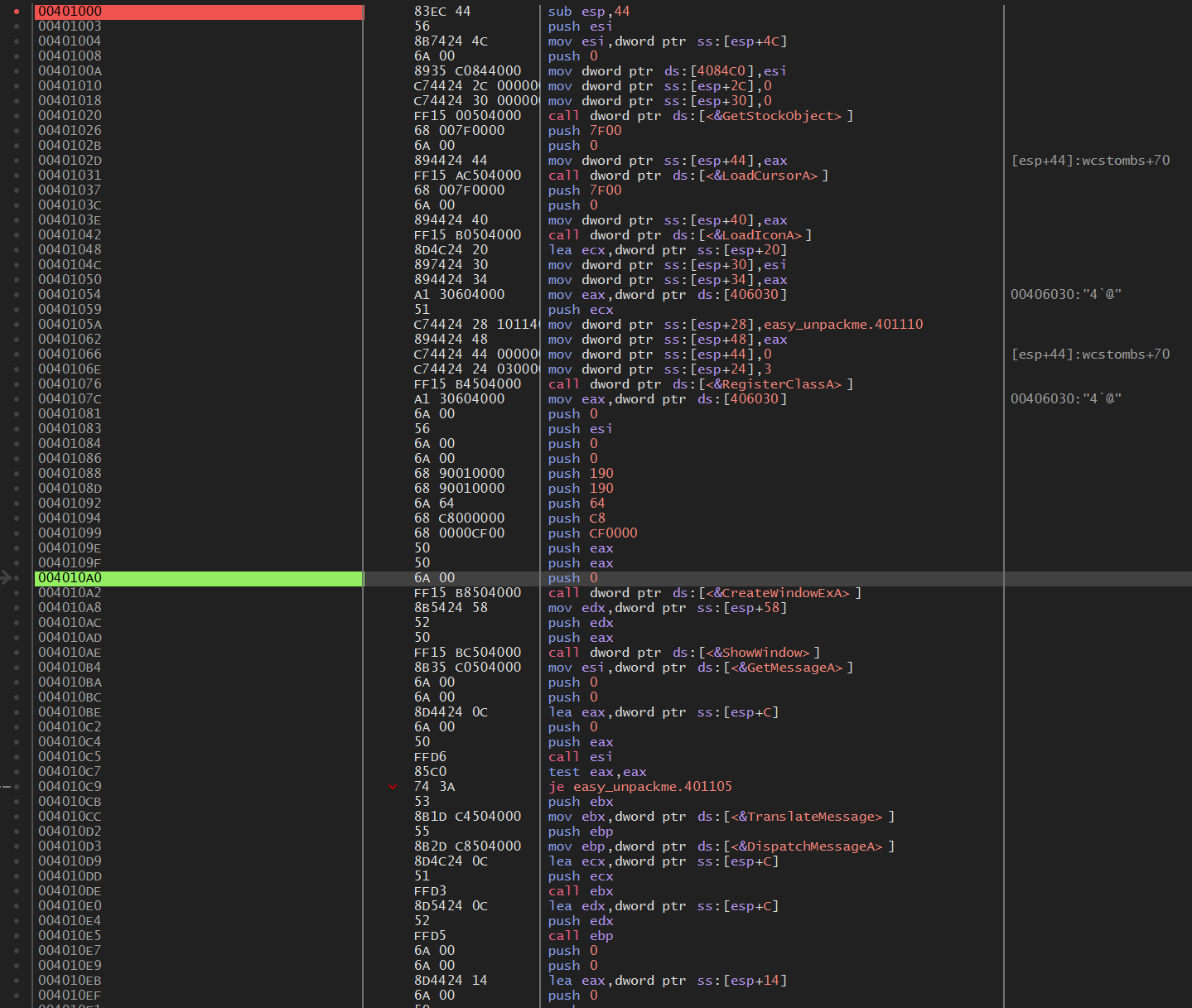
The process reaches
00401219and JMP to00401000.
-
CreateWindowExA,GetMessageA…- …
-
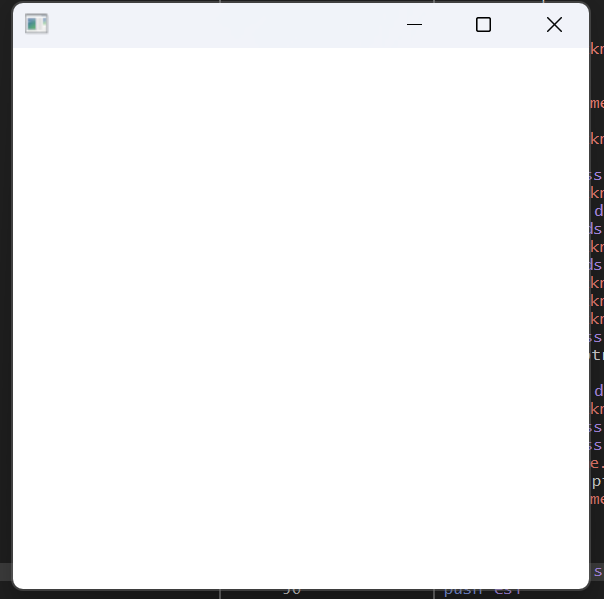
a blank window pops up!
How to Unpack using IDA
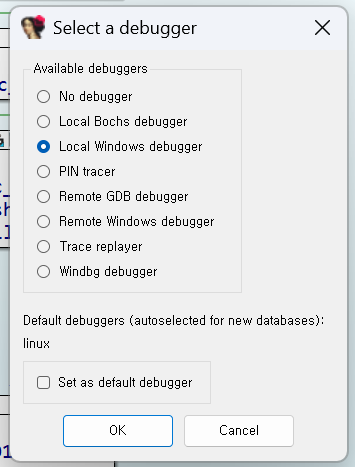
- Select IDA windows debugger from the “Debugger options” menu
- Start Process
- Run the binary
- Find ”…Easy_UnpackMe.exe” in the “Modules” tab. Get the address.
- File -> Script Command (“Cut out ”)
import ida_bytes

output_file = "dumped_code.bin"

# Define the range
start_ea = 0x400000
end_ea = 0x40A680
size = end_ea - start_ea

data = ida_bytes.get_bytes(start_ea, size)

if data:
    with open(output_file, "wb") as f:
        f.write(data)
    print(f"Successfully dumped {len(data)} bytes to {output_file}")
else:
    print("Failed to read memory. Check if the addresses are valid.")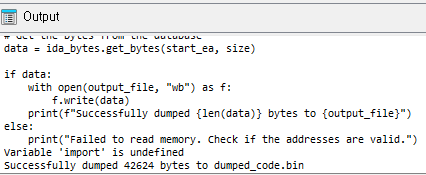
Side-hustle
How
.exelooks is made? The structure?
hello.exe
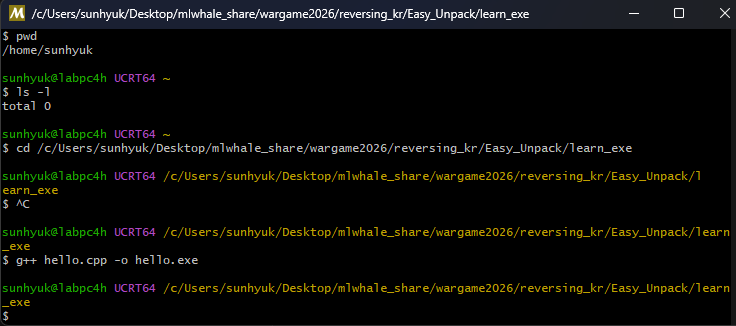
- Install MSYS2 for cpp compile.
Solution
Easy_UnpackMe.exe: PE32 executable (GUI) Intel 80386, for MS Windows, 5 sections- Find functions like below which are indicator of where the unpacked be placed.
- VirtualProtect
- NtProtectVirtualMemory
- VirtualAlloc
- NtAllocateVirtualMemory
- NtWriteVirtualMemory
- Can check that
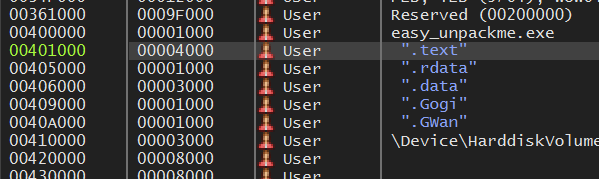
VirtualProtect()allows read/write for00401000 ~ 00405000&&00406000 ~ 00409000which are original place of whereeasy_unpackme.exeis.
- After final call of
VirtualProtect(), the process JMP to00401150.
GetVersion(),GetCommandLineA(),GetStartupInfoA()…- These functions usually runs on a program start-up!
- The process reaches
00401219and JMP to00401000.
CreateWindowExA,GetMessageA…- Which are for initializing Windows GUI
- And after some
f8blank window pops up.
Hence I can conclude that 00401150
Btw…
The .Gogi, .Gwan sections are named after the creator of reversing.kr “고기완”.
Flag
00401150