php_basics
The basics
It seems php is the basics of web-hacking…
PHP is a server-side scripting language for creating dynamic and interactive web applications.
php script looks something like this.
<?php
	echo "Hello World";
?>
And php can also be part of html tags. (The file can still be named xxx.php)
<!--index.php-->
<!DOCTYPE html>
<html>
	<body>
    <?php
	    $currentDate = date('Y-m-d');
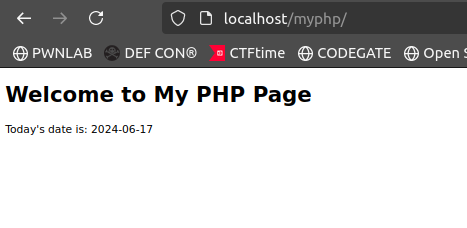
	    echo "<p>Today's date is: $currentDate</p>";
    ?>
	</body>
</html>
It seems similar to JS!
Installing php on Ubuntu (22.04)
How to install and configure PHP | Ubuntu
The docs says I need to install Apache and DB services like MySQl but you can run php without them.
$php index.php
<!DOCTYPE html>
<html>
<body>
    <p>This is a paragraph generated by PHP!</p><p>Today's date is: 2024-06-17</p></body>
</html>
The html tags stays but the php code is executed.
But how do you run the code in a browser??
Here comes the Apache server.
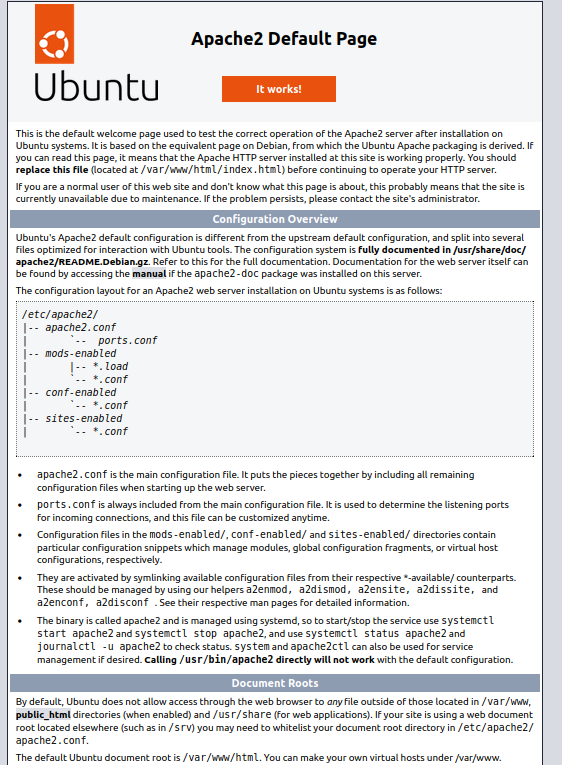
When you install Apache, the default root dir for the web server is /var/www/html .
You can find index.html in the dir so when you request for localhost, this is what you get.
Now you can put dir and put index.php inside a dir(let’s say myphp) and voila! I can access the file in a browser! (Since Apache sets default page to the file named “index”, just calling localhost/myphp suffice.)